“I tried yet another task management app, but ended up giving up again…”
Sound familiar?
I’ve bounced between Notion, Todoist, Reminders, TickTick, and countless other task management apps. They’re all fantastic and feature-rich, but sometimes having too many features makes “managing tasks” feel like a task itself.
That’s why I built Day Stacks – an app designed for people like me.

Why Complex To-Do Apps Don’t Stick
When you’re freelancing or working from home, your daily schedule can be all over the place. Morning meetings, afternoon work sessions, evening tasks – it’s a lot to juggle.
What I really needed was a simple overview of “what to do and when” for today.
Sure, project management features, subtasks, and recurring task settings can be useful. But setting all that up becomes tedious, and before you know it, “I’ll do it later” piles up until you stop opening the app altogether. Classic pattern, right?
What Day Stacks Can Do
Day Stacks is an app that’s laser-focused on one thing: simply managing what you need to do today.
Card-Based Task Management
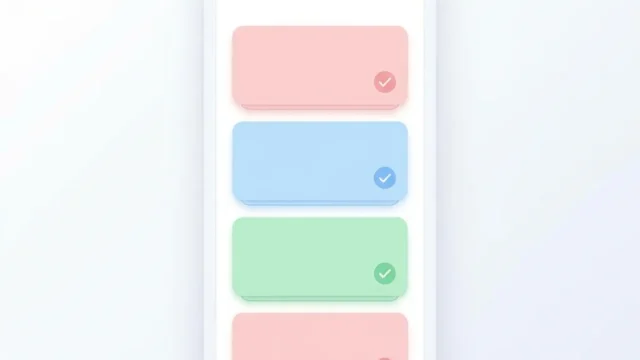
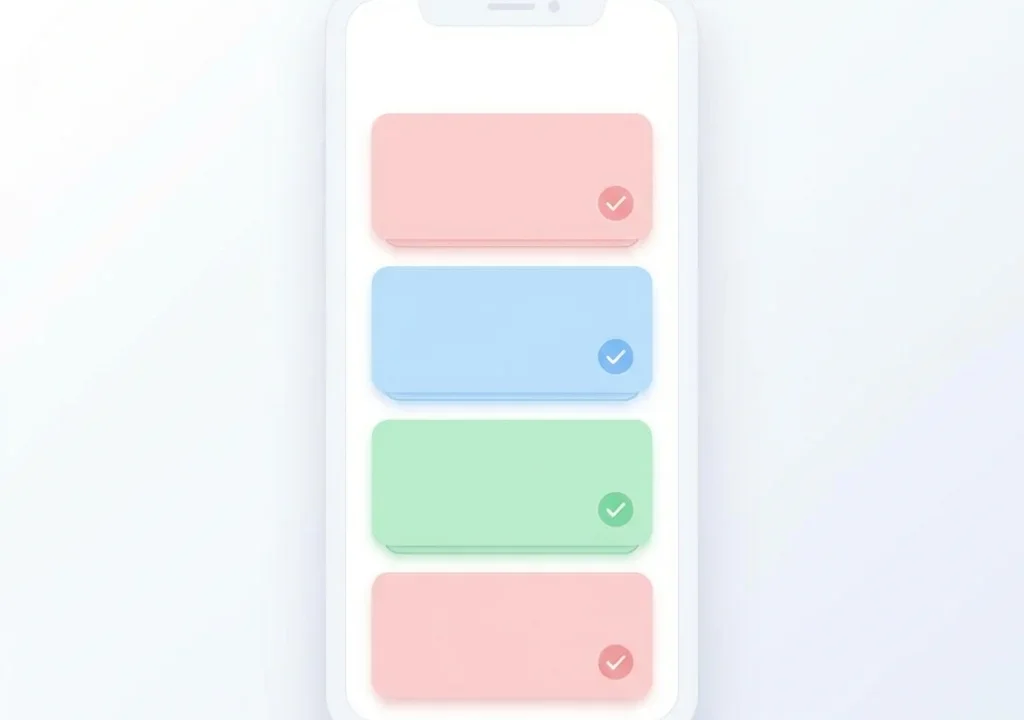
All tasks are displayed as cards. It’s more visual than a list view and makes it easier to focus on each individual task.
You can also change the card colors for categorization – blue for work, green for personal stuff, and so on.
Set Times to Create Your Daily Timeline
This might be Day Stacks’ best feature.
When you set a start time for tasks, they automatically sort by time. Essentially, you’re creating a timeline for your day.
Check emails at 9 AM, meeting at 10 AM, lunch at 1 PM, work session at 2 PM – you can see your entire day at a glance while building out your schedule.
48-Hour Support for Night Owls
This is a subtle but super useful feature.
Task times can be set from 0:00 to 48:00. That means you can add tasks up to 2 AM the next day (= 26:00) to today’s list.
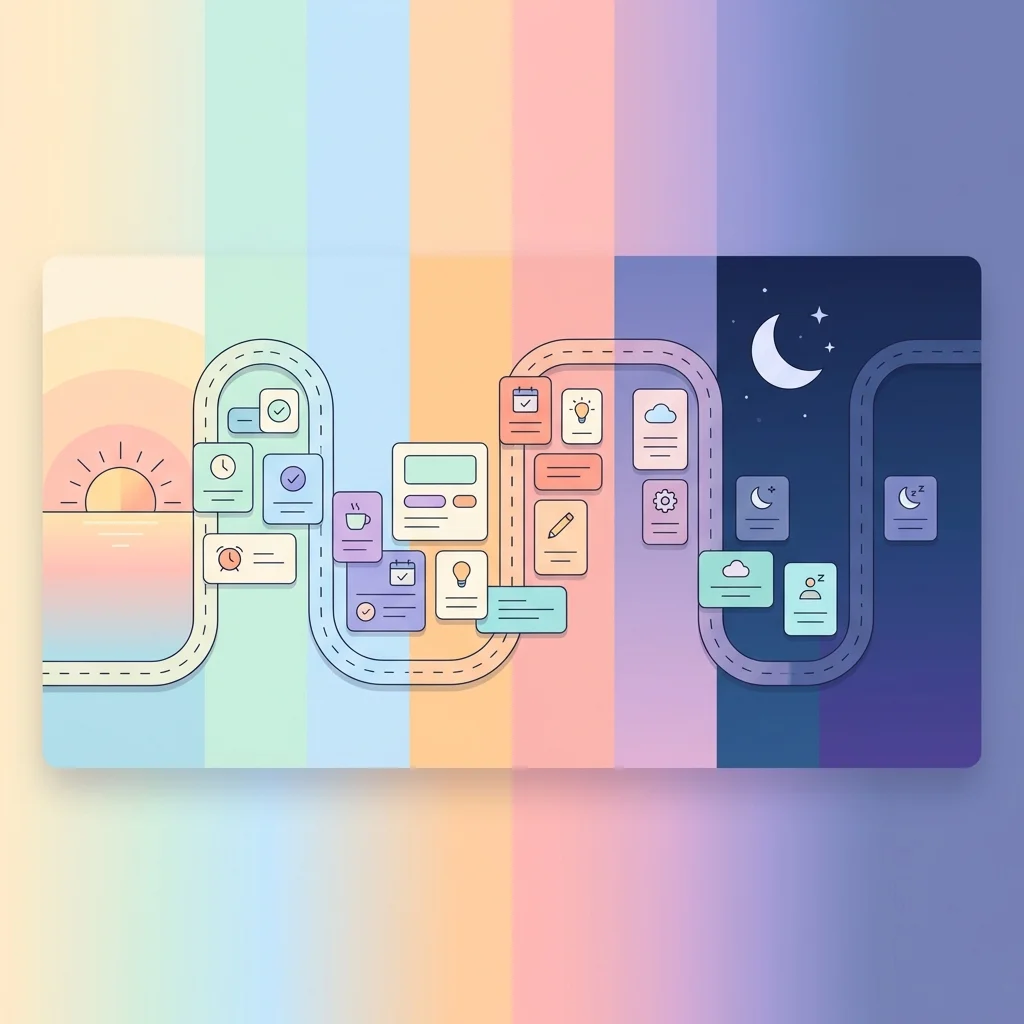
For night owls or freelancers who often work into the late hours, this is a game-changer. Being able to see tomorrow morning’s tasks in one view helps you prepare before going to bed.
Intuitive Controls
If entering and editing tasks is a hassle, motivation drops instantly. That’s why I prioritized smooth usability in Day Stacks.
Swipe to Complete or Delete
Swipe a task card from right to left to delete it. Made a mistake? Just hit Undo.
Drag and Drop to Reorder
Want to manually change the order? Just long-press a card and drag it wherever you want.
Calendar View for Date Navigation
Tap the calendar at the top to jump to a different day’s tasks. You can also swipe to move to the previous or next day.
Who Is This For?
Day Stacks is perfect for:
- People who can’t stick with complex task management tools
- Freelancers and remote workers with irregular schedules
- Anyone who just wants to know “what to do and when” for today
- Night owls with unconventional routines
- People looking for an intuitive, easy-to-use app
In short, it’s for anyone who believes in “simple is best.”
Technical Notes
As a quick technical memo: Day Stacks is built with SwiftUI and SwiftData.
In-app purchases are handled via StoreKit 2, with an option to remove ads (the app is free with banner ads).
It supports 5 languages: Japanese, English, German, Spanish, and Traditional Chinese (Taiwan). I built it with global users in mind.
Download Now
Day Stacks is available for free on iOS.
Start by adding one task for today and stack up those cards. I hope you enjoy the satisfying experience of checking off your tasks one by one.
Summary
Day Stacks is a simple task management app that helps you focus on just “what to do today.”
- Manage tasks intuitively with card-based design
- Set times to create your daily timeline
- 48-hour support covers late night and early morning tasks
- Smooth swipe and drag controls
If you’re tired of complex task management tools, give Day Stacks a try.
Day Stacks
App Store: https://apps.apple.com/us/app/day-stacks/id6757662611